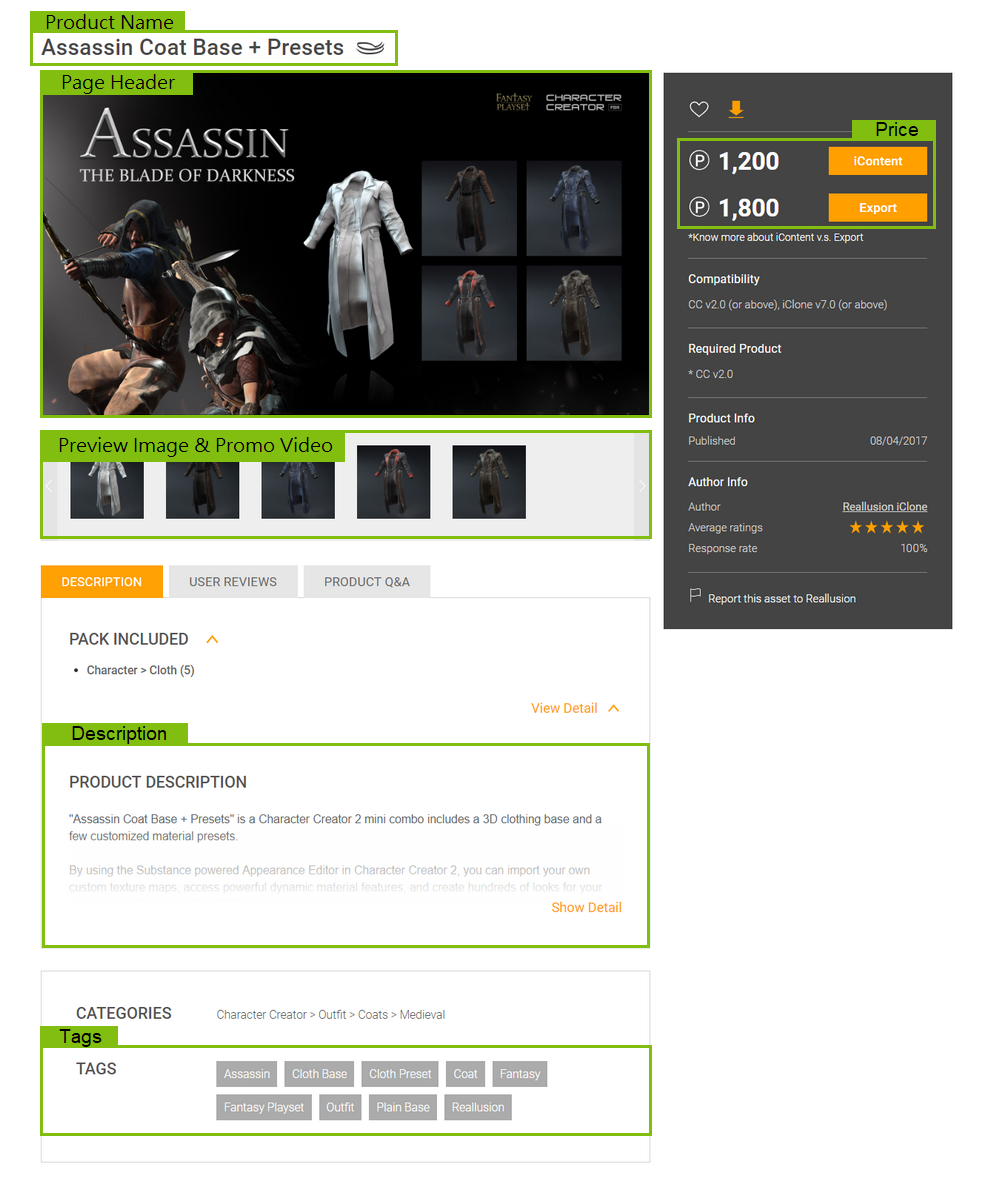
Commercialize YOUR product
We are raising the bar for the good of every Content Developer. Visual quality is key, and now carries more weight during the submission and approval process. Keep in mind, content that is marketed with high quality visuals are promoted more often!
Great Content Developers are successful for the following reasons:
- High quality, reliable content to keep buyers coming back for more.
- Great marketing material that attracts and holds customer attention.
Creating excellent content is about talent and skill, but on top of that you also need marketing smarts to give you an edge. This guide will instruct you on effective marketing that can increase sales and exposure.
You may download our Commercialization Guidelines and Store Visual Standard Templates to use them for reference on your commercialization tasks.